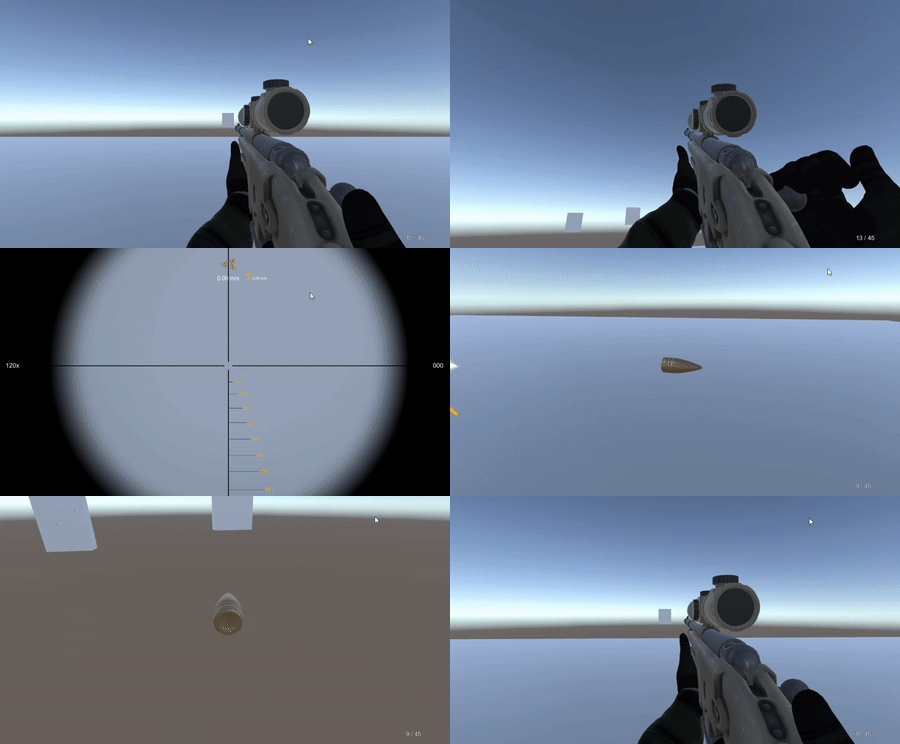
Player with weapon
Connect the sample sniper rifle, effects and ammo UI.
Replace Player Without Weapon with SAMPLES/Prefabs/Player With Weapon.prefab, positioned at (0, 1, 0). Reassign its Main Camera to the system's Fire Transform and the scope's Main Camera.
Remove or disable TutorialShooter so both scripts do not fire or aim on the same input. Keep the separate hit listener if you still need it; remove duplicate listeners if using the configured system prefab.
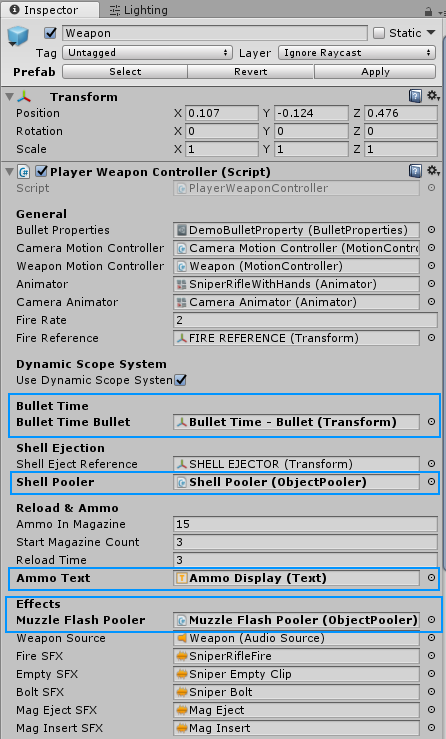
Under the player's Main Camera, the Weapon object contains PlayerWeaponController and a MotionController. Complete the weapon's scene references:
| Reference | Assign |
|---|---|
| Bullet Properties | The cartridge asset used by this weapon. |
| Bullet Time Bullet | The inactive scene instance of SAMPLES/Prefabs/Bullet Time - Bullet.prefab. |
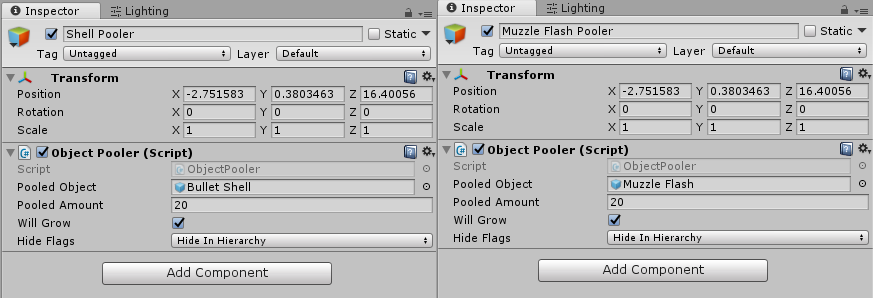
| Shell Pooler | A pool using Objects/Bullet/Bullet Shell.prefab. |
| Muzzle Flash Pooler | A pool using Objects/Particles/Muzzle Flash.prefab. |
| Ammo Text | Ammo Display Text from SAMPLES/Prefabs/CANVAS - Crosshair & Ammo.prefab. |
Preserve the prefab's barrel/ejection transforms, animation, audio and motion references. PlayerWeaponController activates its bullet properties in Awake and handles cooldown, magazine state, reload, aiming, recoil, scope calls and effect spawning.
The sample is a bolt-action rifle example. For other weapons, adapt the logic and animation events to your weapon rather than only swapping the mesh. PlayerWeaponAnimationEvents forwards animation events to weapon actions such as shell ejection and sounds.
With desktop input, left mouse fires, right mouse aims, R reloads, B/V adjust zero distance while aiming, and left Shift holds breath while aiming. Public FireInput(), ReloadInput() and AimInput(bool) let other controls drive these actions.