Firing a bullet
Activate a bullet asset, then fire it from your controls.
Add the following TutorialShooter.cs to an empty GameObject and assign your Bullet Properties asset. The scene must already have the configured system instance.
using IE.RSB;
using UnityEngine;

public sealed class TutorialShooter : MonoBehaviour
{
    [SerializeField] private BulletProperties bulletProperties;

    private void Start()
    {
        SniperAndBallisticsSystem.instance.ActivateBullet(bulletProperties);
    }

    private void Update()
    {
        // Space in the sample bindings. Swap Jump for Fire when adding a player.
        if (RSBDemoInput.Pressed(RSBDemoAction.Jump))
            Fire();
    }

    public void Fire()
    {
        SniperAndBallisticsSystem.instance.FireBallisticsBullet(bulletProperties);
    }
}
Use Start so the scene system has completed Awake and cloned its environment. Activate every bullet asset you intend to use. Activation precomputes zero-distance trajectory data; it does not spawn a projectile or select a weapon.
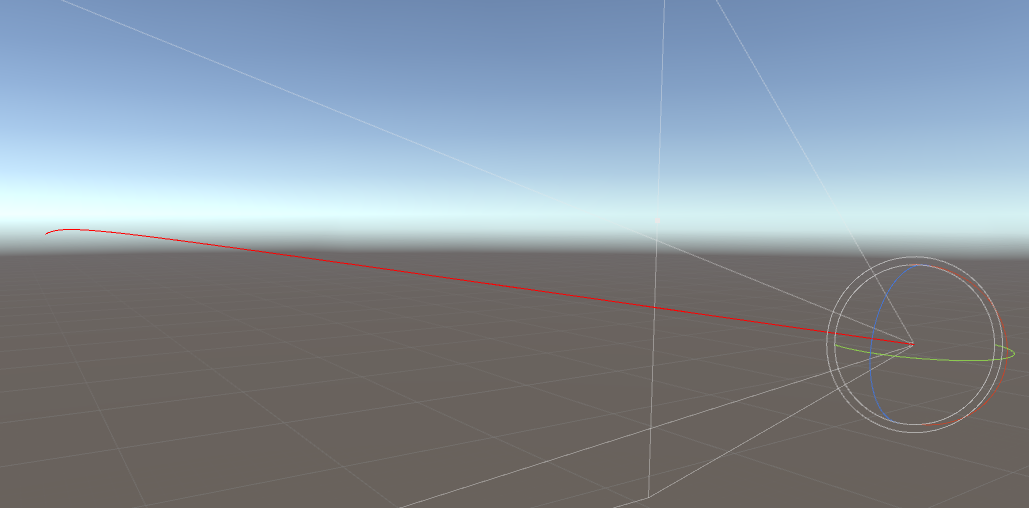
Enter Play mode and press Space. With the Main Camera assigned as Fire Transform, the shot starts there. Enable Scene view gizmos and debug rays to inspect its path. The cube should stop the shot until you add a BallisticSurface.
RSBDemoInput supports the configured demo backend. Your own input system can call the public Fire() method instead. Ballistics itself has no dependency on a particular control scheme.
ActivateBullet raises EBulletActivated after preparation finishes. Subscribe before calling it if you need a notification. Do not set the internal m_zeroCalculated flag manually.
This example uses the legacy Fire Transform API, which remains supported. For independent player/AI weapons, use the per-shot firing API: each request supplies its own aim, shooter and settings and returns a shot ID.
Both APIs reject new shots while global bullet time is running. They simulate travel and dispatch hits; ammunition, cooldowns and reloads belong to your weapon logic. Damage profiles provide optional base damage for your hit handler.