Wind vector
Change the wind in the scene and during play.
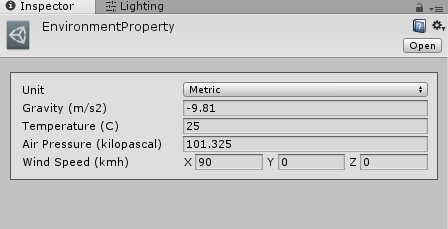
Set Wind Speed on your environment asset before entering Play mode. It is a world-space vector measured in km/h in metric mode. With the camera facing positive Z, (90, 0, 0) is an intentionally strong rightward wind useful for making the tutorial effect visible.
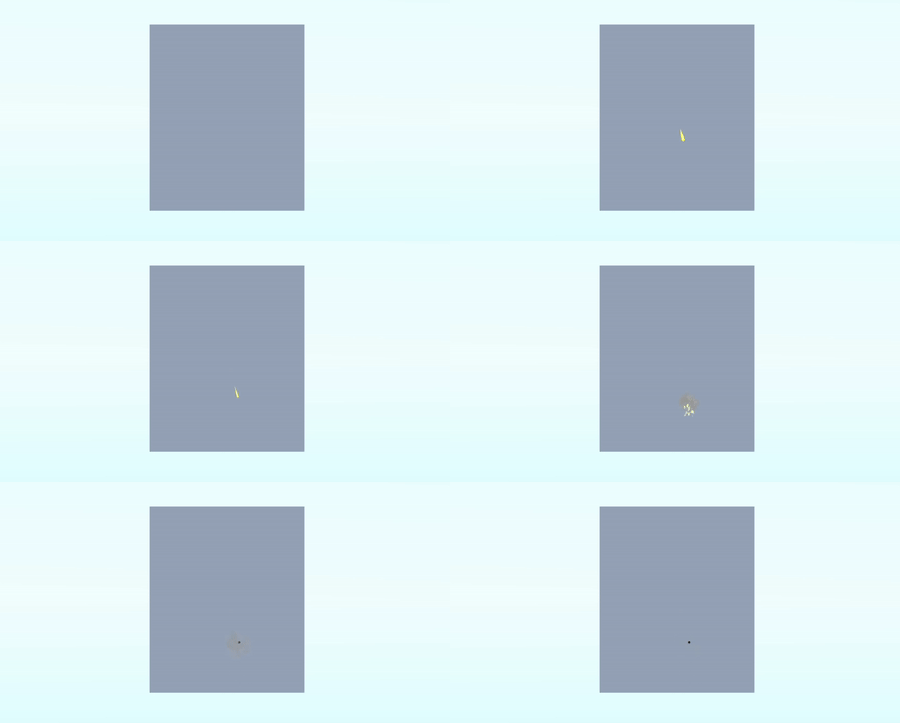
Fire at a distant target with Affected By Wind enabled on the bullet. Compare the horizontal displacement with zero wind. Changing zero distance compensates drop but does not remove wind displacement.
To change wind at runtime, use the system's cloned environment:
SniperAndBallisticsSystem.instance.GlobalEnvironmentProperties
    .m_windSpeedInMetric = new Vector3(20f, 0f, 0f);
Use this from a method after system initialization, for example Start or your weather update. The old WindVector property does not exist in the current source. src/Utility/WindRandomizer.cs demonstrates changing wind over time.
The runtime uses a scaled, time-dependent wind contribution; the vector is not simply added to muzzle velocity. See BallisticsUtility if customizing that calculation.
The dynamic scope can display wind direction and estimated horizontal aim offsets. Reset wind to (0, 0, 0) before comparing other ballistic effects.