Camera Controller
Configure the sample first-person look behaviour.
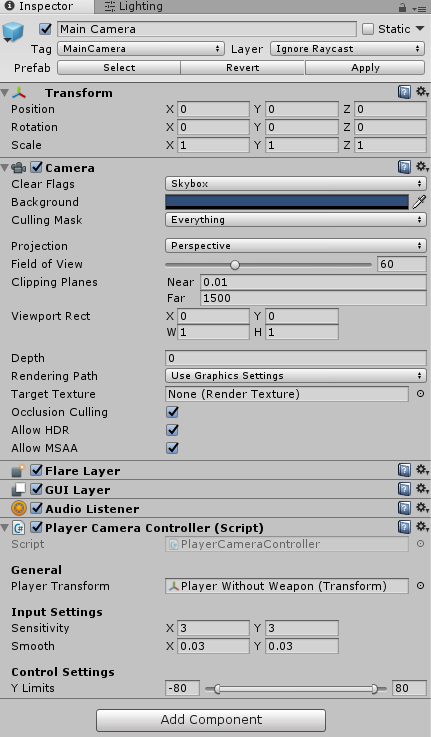
The Main Camera below the camera motion object has PlayerCameraController. It handles smooth first-person look, sensitivity and vertical limits. Inspect the prefab to see which transform receives each rotation.
The desktop branch reads RSBDemoInput.Look. The mobile branch reads DemoMobileController.LookInput. Scope sensitivity is multiplied by DynamicScopeSystem.ScopeSensitivityMultiplier, so zoom levels can reduce look speed.
The motion parent adds bob and sway separately. If replacing the camera controller, preserve or deliberately replace that division of responsibility and keep the ballistics system's Fire Transform and the scope's Main Camera pointed at your aiming camera.
You can continue firing with TutorialShooter, or replace it with the weapon controller.