Incorporating a player
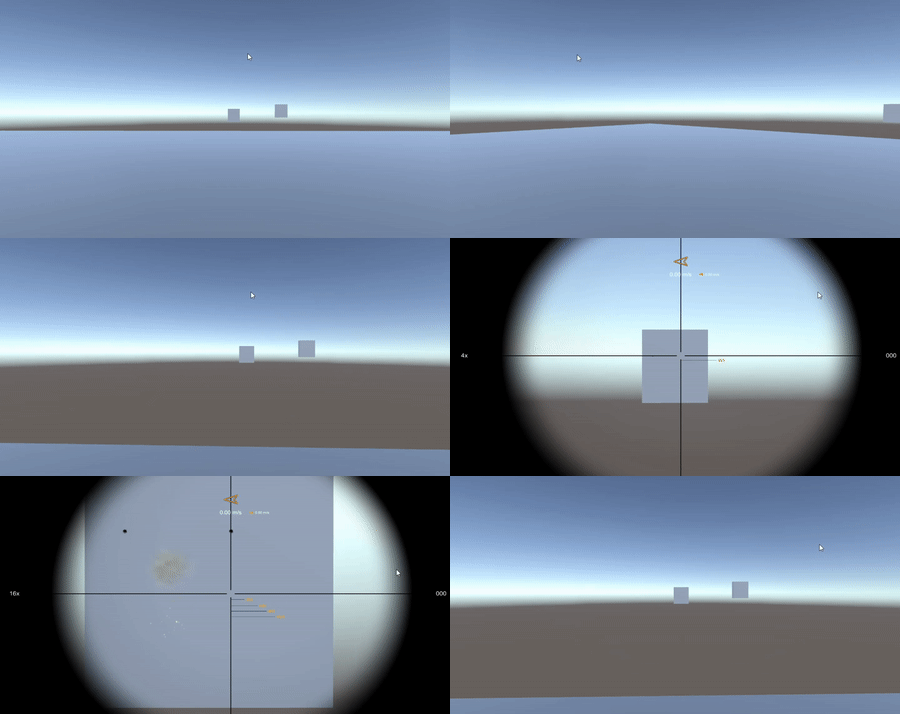
Replace the fixed camera with the supplied first-person controller.
Remove the tutorial's standalone Main Camera and drag SAMPLES/Prefabs/Player Without Weapon.prefab into the scene at (0, 1, 0).
Reassign the new player's Main Camera wherever the old camera was used:
- The system's Fire Transform.
- The scope's Main Camera.
- The tutorial's Bullet Time Start, if you used the camera there.
In TutorialShooter.Update, replace RSBDemoAction.Jump with RSBDemoAction.Fire. Left mouse now fires and Space remains available for jumping.
The sample player uses Ignore Raycast. Exclude that layer in the system's Ray Mask to avoid hitting the shooter's own colliders. For custom player and AI weapons, the per-shot API accepts independent masks and ignores the supplied Shooter collider hierarchy by default.
Use the configured demo input backend for movement and look. The prefab includes CharacterController-based movement, a camera motion object and a smooth look controller. These are examples you can adapt; they are not required by the ballistics API.
Show the trajectory in-game
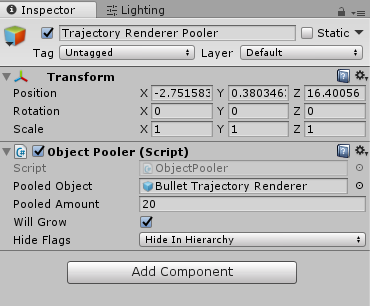
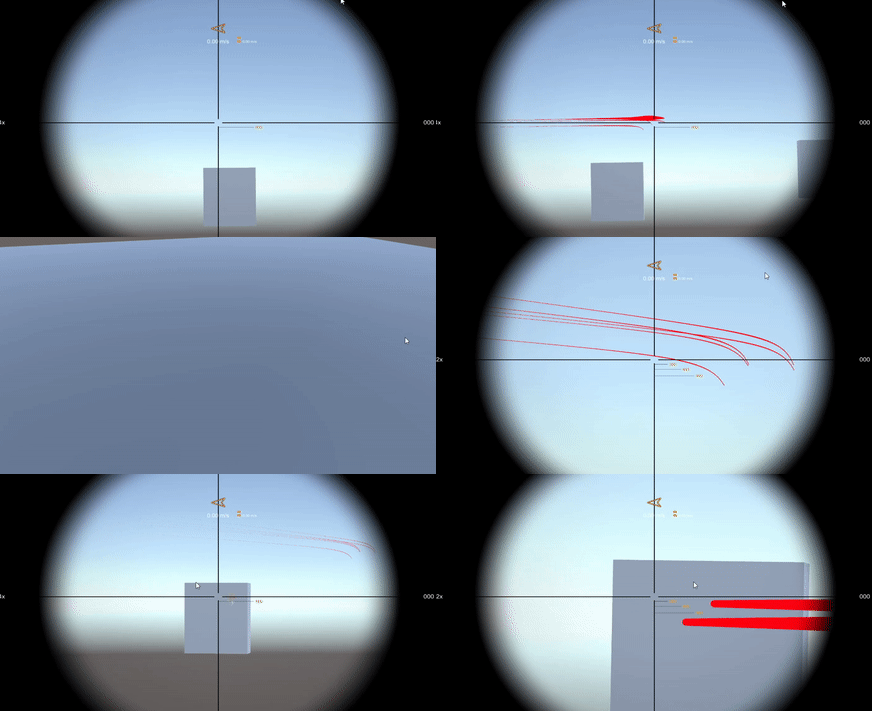
Create a pool for Objects/Trajectory Renderer/Bullet Trajectory Renderer.prefab. Enable In Game Debug on the system and assign Trajectory Renderer Pooler. The LineRenderer will show each shot's path after firing. Keep the pool growing or large enough for simultaneous visible trajectories.
Continue with the movement, motion and camera guides to tune the controller, or Player with weapon to add the sniper rifle.