Bullet-time target
Mark objects that can trigger the cinematic sequence.
Add BulletTimeTarget to the target transform reported by raycasts. The component is in src/BulletTime. Targets start active. Use SetActivation to change eligibility; IsActive is a read-only property, not an Inspector checkbox.
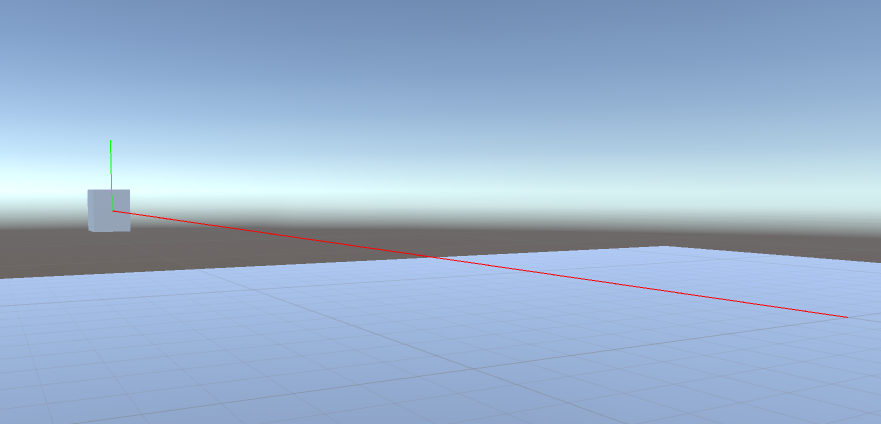
For the tutorial, place a cube at (0, 0, 100), scale it to (5, 6, 1) and reset its rotation. With the default minimum distance of 90, a hit on its near face is far enough away.
BallisticSurface is optional. A target may also be penetrable or ricochet-enabled. Target eligibility and surface response are separate checks.
To deactivate a target from code, call target.SetActivation(false). Read IsActive to inspect its state. The runtime checks the flag, not just the presence of the component.
At this point a shot alone will not produce the cinematic effect. Continue by adding the bullet object and the camera listener.