Getting started
Getting started
Build a minimal scene before adding a player or cinematic effects.
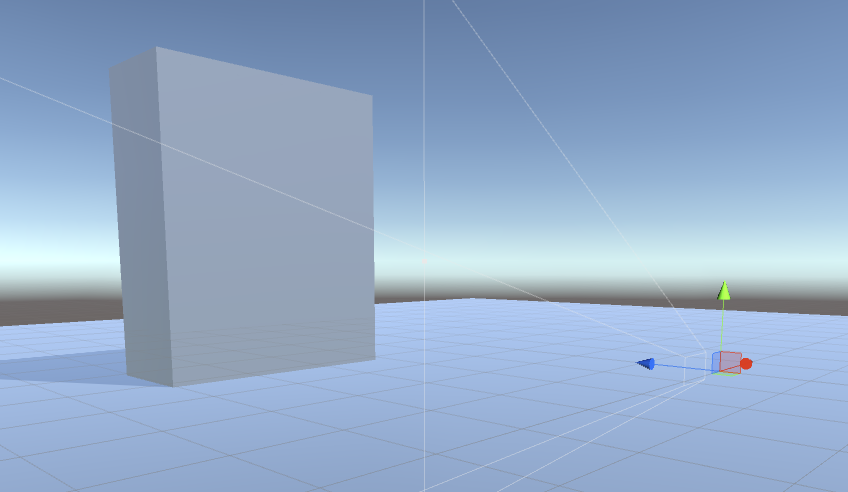
Start with an empty scene, a Main Camera at position (0, 0, 0) facing positive Z, and a directional light if needed. Create a plane at (0, -1, 0) with scale (5, 1, 5) and a cube at (0, 2, 10) with scale (5, 6, 2). Keep their colliders enabled.
Work through these steps in order:
- Create environment properties.
- Create bullet properties.
- Configure object pools if you want tracers or impact effects.
- Add the Sniper and Ballistics System.
- Fire a bullet and listen for hits.
The examples use IE.RSB and the current demo input adapter. Configure an input backend using Input and controls, or call the public firing method from your own controls.
Keep the samples as references and build your scene outside SAMPLES, so swapping render-pipeline samples cannot overwrite your work.